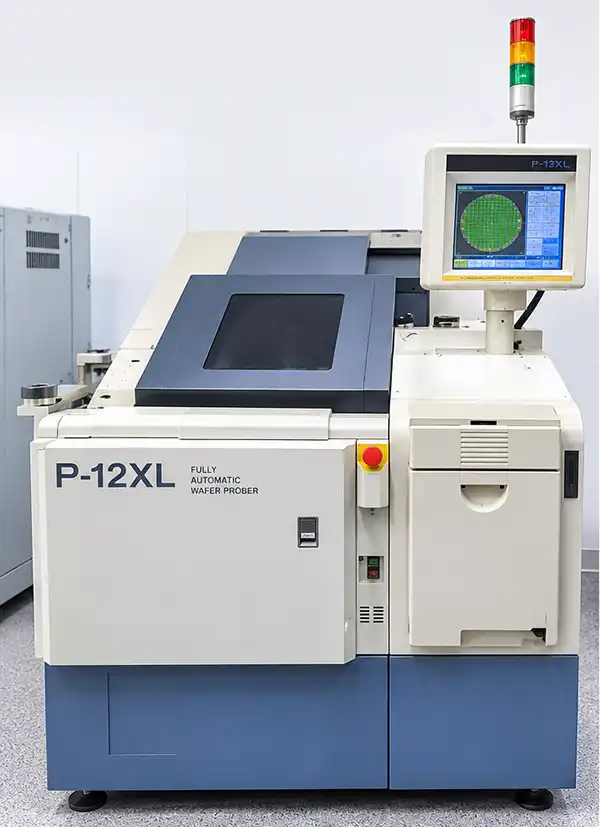
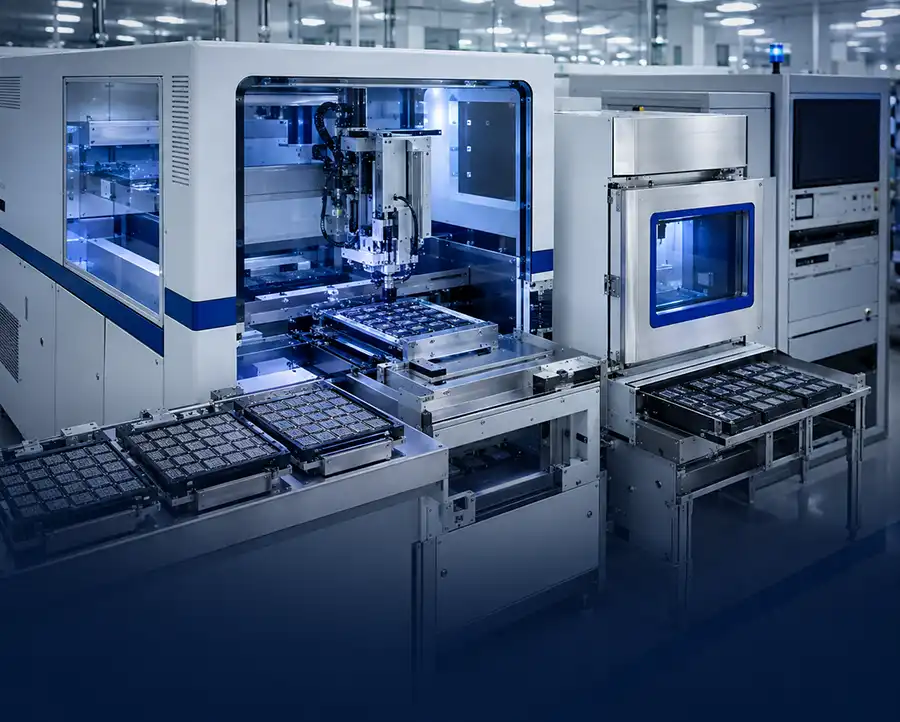
Diagnostic Summary: Two emergencies halt Advantest V93000 and modular SoC ATE test floors more than any other: pin-electronics diagnostic failures (such as PS1600 channel/PMU faults) and liquid-cooling interlock shutdowns. Never blindly restart a tripped cooling loop or pull a suspected pin card without first executing a clean slot-swap / pogo-isolation test—restarting a starved cooling loop risks catastrophic multi-card thermal burnout, while swapping cards without ruling out dirty pogo blocks wastes expensive spare inventory.
- PS1600 Card vs. Interface Isolation: Run SmarTest diagnostics without the load board, inspect pogo block cleanliness, and swap the suspect card into a verified healthy cage slot to confirm whether the fault follows the card or stays with the slot.
- Cooling Alarm First Rule: Check coolant reservoir level, differential flow pressure, strainer blockage, and quick-disconnect engagement BEFORE resetting the interlock relay.
- Board-Level Savings: Failed PS1600, DPS64/128, and power distribution boards can typically be repaired to full SmarTest diagnostic pass in 5–10 days at a fraction of OEM swap pricing.
Separating a True V93000 PS1600 Card Failure From an Interface or Slot Fault
When SmarTest flags a digital continuity, PMU leakage, timing deskew, or voltage-clamp failure on a 128-channel Advantest V93000 PS1600 card, pulling the card immediately for RMA often results in "No Trouble Found" charges—because up to 40% of single-pin or 8-channel cluster diagnostics originate in the external pogo interface, corroded blind-mate connectors, or chassis power-rail sag.
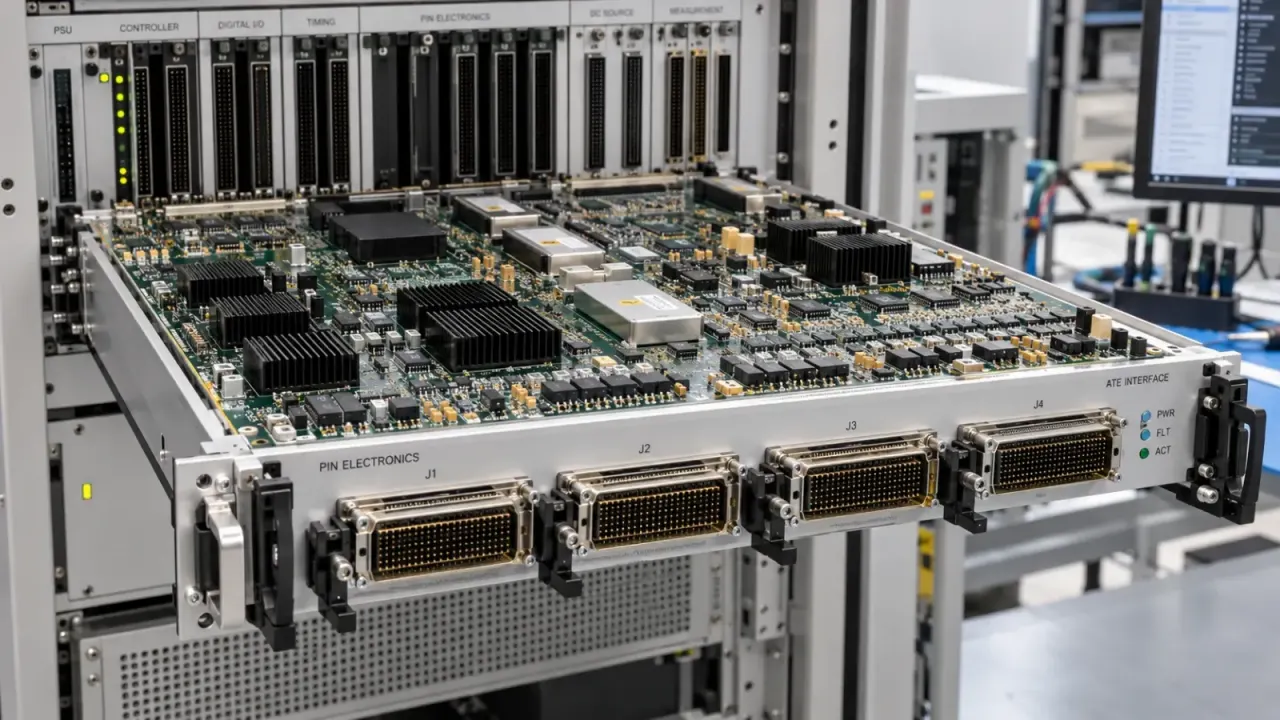
4-Step Card vs. Interface Isolation Protocol
- Undock the Load Board & Run Bare-Head System Diagnostics: Remove the DUT load board/stiffener and re-run the failing SmarTest calibration/diagnostic routine with the OEM diagnostic fixture only. If all 128 channels pass, the fault lies in the load board, DUT socket, or pogo tower—not the PS1600 card.
- Inspect Pogo Pins & Backplane Seating: Inspect pogo tips under 20× magnification for bent plungers, flux transfer, or dark oxidation rings. Check card seating latches and liquid cold-plate thermal contact pads.
- Execute a Controlled A/B Slot Swap: Power down the test head following full ESD protocol, swap the suspect PS1600 card with a verified healthy PS1600 card from an adjacent slot, and re-run diagnostics:
- Fault follows the card to the new slot → Confirmed card-level defect (relay array, PE ASIC, ADC/DAC, or onboard regulator). Tag exact failing channel numbers and send for ATE board repair.
- Fault stays in the original slot → Chassis backplane connector, cold-plate cooling blockage, or test-head DC power distribution bus fault.
- Capture Complete Diagnostic Logs Before Removal: Export the full text fail log (exact pin IDs, measured vs. expected voltage/current/timing, and board temperature sensors)—this single log cuts laboratory circuit-isolation time by over 50%.
V93000 Cooling Alarm Recovery: What to Check Before Restarting
Liquid-cooled ATE test heads dissipate several kilowatts inside a tightly packed cage; thermal runaway happens in seconds if chilled coolant circulation stops. Whenever a cooling flow, leak-tray, or over-temperature interlock trips on an Advantest V93000, walk through this mandatory checklist before touching the restart button:
| Cooling Alarm Type | Immediate Physical Inspection | Common Hidden Culprit | Safe Recovery Step |
|---|---|---|---|
| Low Coolant Flow Interlock | Check chiller pump pressure gauge, supply/return valve positions, and inline Y-strainer | Clogged 50 µm mesh filter, partially latched quick-disconnect coupling, or air lock after card swap | Clean strainer; re-seat quick-disconnects until audible click; bleed air via purge port before power-on |
| Leak Sensor / Drip Tray Trip | Inspect drip pan below test head & chiller hoses with dry lint-free tissue | Weeping O-ring on card cold-plate fitting OR condensation from coolant set below cleanroom dew point | Fix weeping fitting and verify coolant setpoint stays ≥ 2°C above cleanroom dew point; dry optical leak prism |
| High Board Temp / ΔT Alarm | Compare chiller outlet temp vs. SmarTest per-slot board temperature telemetry | Fouled chiller condenser fins, degraded glycol/DI coolant chemistry, or dry thermal interface pad on one slot | Clean condenser coil; check coolant conductivity/biocide; inspect cold-plate clamping torque on hot slot |
| DPS / Utility Power Fault | Read AC-DC power bay LED status indicators & bulk 48V/12V bus readings | Aging bulk electrolytic capacitors or tripped thermal breaker in power rack | Verify facility 3-phase voltage balance; pull faulty PSU module for component-level bench rebuild |
Related ATE Systems, Tester Cards & Repair Support
Frequently Asked Questions
Why do single channels fail PMU leakage on a V93000 PS1600 card?
Common card-level causes include stuck or welded solid-state/mechanical reed relays stressed by hot-switching DUT power, ESD-damaged pin-driver protection diodes, or localized flux contamination near the edge pogo pads.
What coolant mixture should be used in a liquid-cooled V93000 test head?
Always follow Advantest's exact coolant specification for your chiller generation (typically ultra-pure DI water with approved corrosion inhibitor/biocide or specified dielectric/glycol blend) and monitor conductivity and pH quarterly so aluminum/copper cold plates never scale or corrode.
Can GK-SEMI repair DPS64, DPS128, and PS1600 boards with diagnostic verification?
Yes. Our ATE board repair lab isolates circuit-level failures across digital pin cards, DPS power modules, and utility boards, restoring failed assemblies with full bench testing and a 6-month warranty.
What diagnostic files should I send when requesting an ATE board repair quote?
Provide the exact OEM board part number and revision sticker photo, the SmarTest/ATE diagnostic fail summary showing failing channel IDs and error codes, and confirmation that the fault followed the board during a slot swap.